TABLE OF CONTENTS
Overview
We are providing you with the steps to integrate your Nginx Server with the ADR SIEM so you can have comprehensive visibility and proactive threat detection in your environment. There will be a log transfer between your firewall to APE (Analytics and Policy Engine) via CCE (Collection and Control Engine). In this document, we are guiding you through the steps for log forwarding.
In NGINX, logging is done using the error_log and access_log directives.
- error_log directive specifies the file where NGINX should log errors.
- access_log directive specifies the file where NGINX should log information about incoming requests and responses.
For this configuration, we use UDP port 514.
Ref. link: Nginx Server Logging to syslog
Steps of Configuration
Login as root user on the server
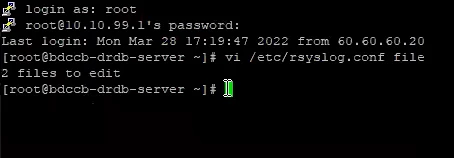
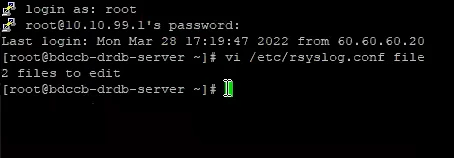
cd /etc should be the first command ran on server, (to get inside /etc directory)


ls to check the list, (similar list will appear)
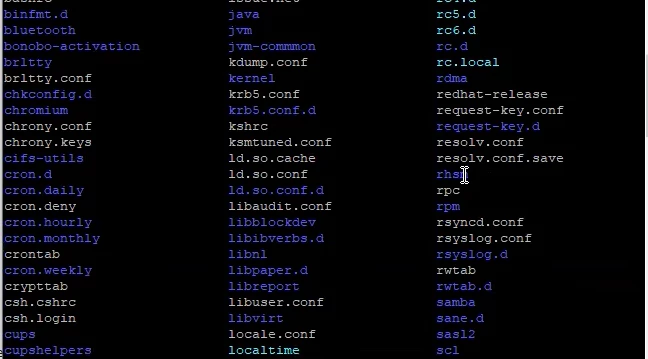
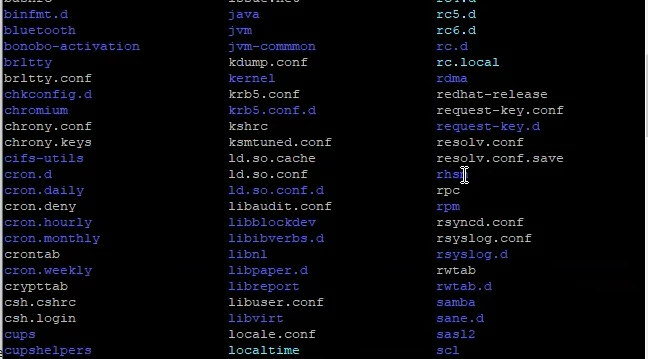
vi rsyslog.conf command needs to be run next and enter.
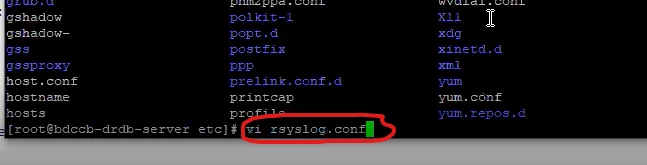
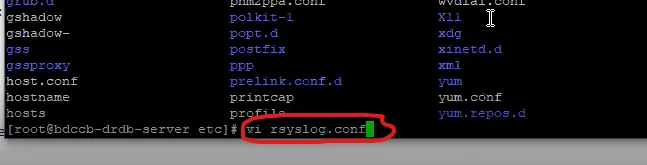
Now please modify Global Directives as mentioned below:
$ModLoad imfile
GLOBAL DIRECTIVES
$InputFileName /var/log/nginx/access.log
$InputFileTag nginx-access:
$InputFileStateFile state-apache-access
$InputRunFileMonitor
NOTE: In place of InputFileName, you need to put actual path of Nginx data store.
After adding, configure CCE-IP at the end of file:
*.* @CCE_IP: 514Now save it.
Run the command: service rsyslog restart. (Restart rsyslog service.)
Verification Of Configuration (MSSP Only)
Verification can be done either from CCE Server or from GUI.
Using the ADR GUI
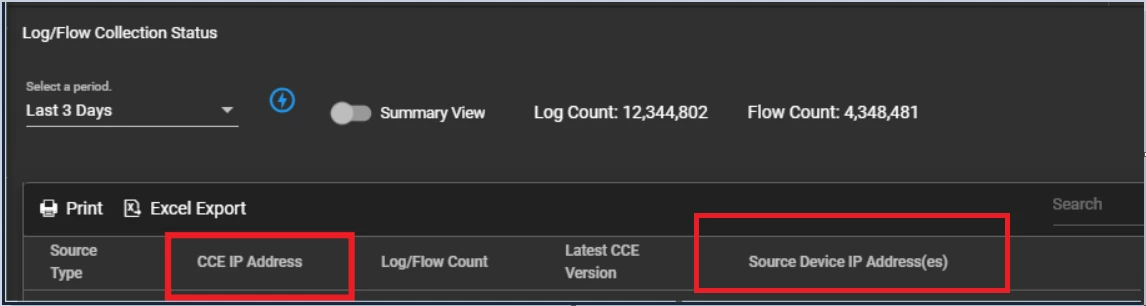
Log in to GUI with appropriate administrative right and navigate to System >> Logs/Flow Collection Status.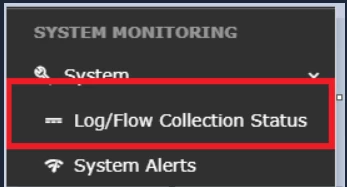
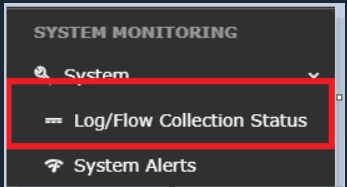
Inside SOURCE DEVICE IP, the IP address will be reflected.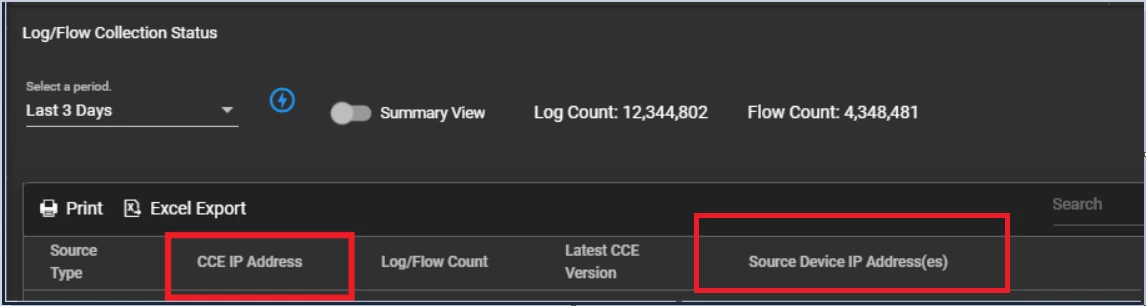
Using CCE Server
Login into the ADR CCE Server with ADR user over SSH Port and run following command:
sudo tcpdump -i any host 514 and host <IP address> -s0Was this article helpful?
That’s Great!
Thank you for your feedback
Sorry! We couldn't be helpful
Thank you for your feedback
Feedback sent
We appreciate your effort and will try to fix the article